Cybersecurity Threats Every Internet User Should Know (2026): Stay Safe Online
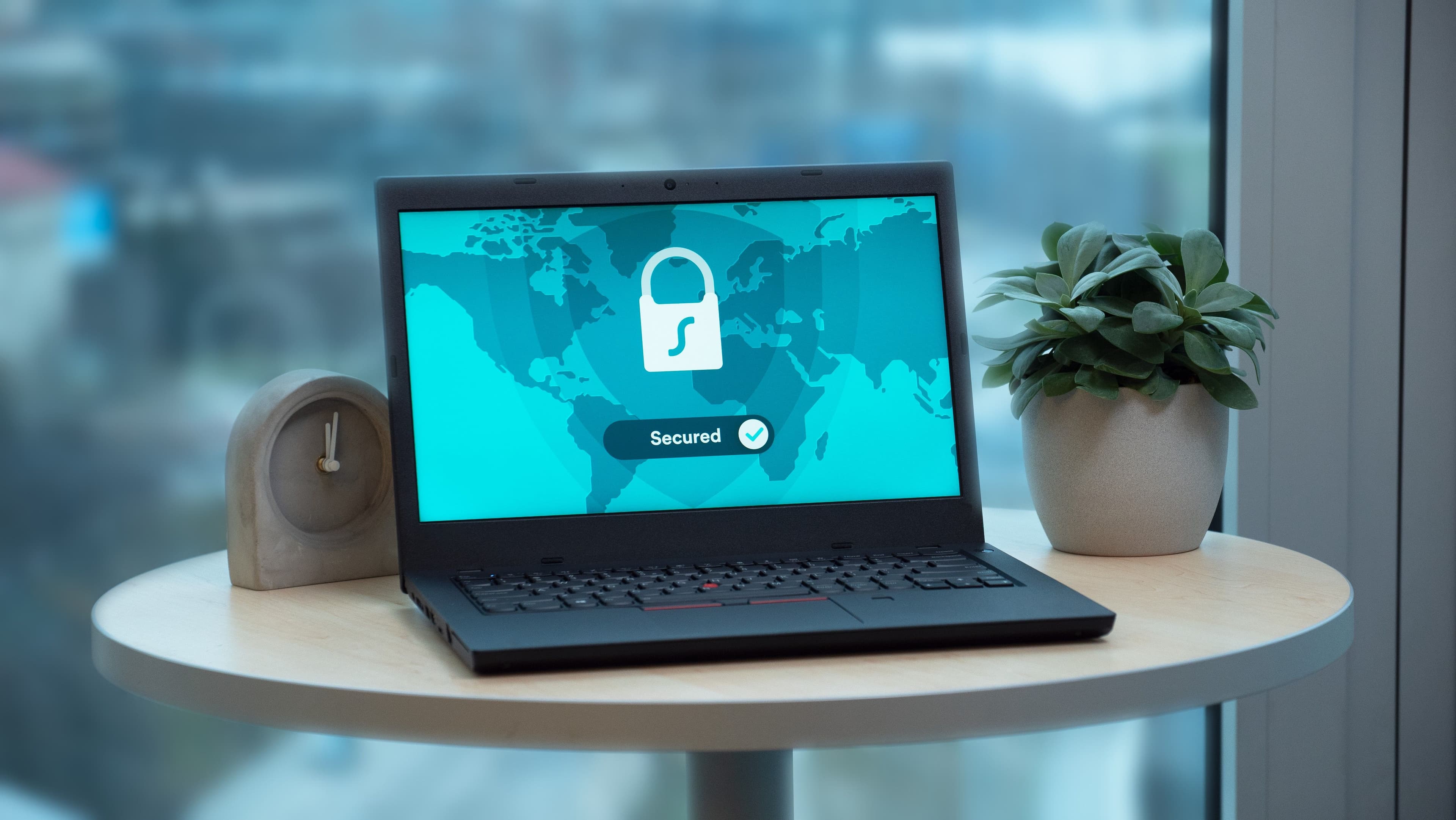
Discover the most important cybersecurity threats every internet user should know in 2026. Learn how to protect yourself from phishing, ransomware, malware, AI-powered attacks, identity theft, and other online security risks with expert tips and best practices.
Introduction
The internet has become an essential part of everyday life. We use it for banking, shopping, work, education, entertainment, and communication. While these digital services make life easier, they also expose users to growing cybersecurity threats.
Cybercriminals are constantly developing new methods to steal personal information, financial data, passwords, and even identities. According to global cybersecurity reports, billions of cyberattacks occur every year, affecting individuals, businesses, and governments alike.
Whether you use a smartphone, laptop, or tablet, understanding common online threats can help you protect yourself from scams, malware, hacking, and data breaches.
This comprehensive guide explains the Cybersecurity Threats Every Internet User Should Know, how these attacks work, and practical steps you can take to stay safe online in 2026.
What Is Cybersecurity?
Cybersecurity is the practice of protecting computers, smartphones, networks, online accounts, and digital information from unauthorized access, attacks, theft, or damage.
Cybersecurity helps protect:
- Personal information
- Passwords
- Banking details
- Emails
- Social media accounts
- Business data
- Government systems
Good cybersecurity practices reduce the risk of becoming a victim of cybercrime.
Why Cybersecurity Matters
Almost everyone stores valuable information online.
This includes:
- Bank accounts
- Credit cards
- Photos
- Personal documents
- Work files
- Medical records
- Email accounts
If this information falls into the wrong hands, it can lead to financial loss, identity theft, or privacy violations.
1. Phishing Attacks
Phishing is one of the most common cyber threats.
Cybercriminals send fake:
- Emails
- SMS messages
- Social media messages
- Fake websites
Their goal is to trick users into revealing:
- Passwords
- Banking information
- Credit card details
- Personal data
Warning Signs
- Urgent messages demanding immediate action
- Suspicious links
- Poor grammar or spelling
- Unknown senders
- Requests for sensitive information
2. Malware
Malware is harmful software designed to damage or compromise devices.
Common types include:
- Viruses
- Worms
- Trojans
- Spyware
- Adware
Malware can:
- Steal files
- Slow down devices
- Monitor your activity
- Delete important data
3. Ransomware
Ransomware locks or encrypts your files.
Attackers then demand payment to restore access.
Ransomware attacks often target:
- Businesses
- Hospitals
- Schools
- Government organizations
However, individual users can also become victims.
4. Identity Theft
Identity theft occurs when criminals steal personal information to commit fraud.
Stolen information may include:
- National ID numbers
- Passport details
- Bank account information
- Credit card numbers
- Login credentials
This information may be used to open fraudulent accounts or make unauthorized purchases.
5. Password Attacks
Weak passwords remain one of the biggest cybersecurity risks.
Common attack methods include:
- Brute-force attacks
- Password guessing
- Credential stuffing
- Password leaks
Using the same password across multiple accounts increases the risk if one account is compromised.
6. Social Engineering
Social engineering involves manipulating people into revealing confidential information.
Examples include:
- Fake technical support calls
- Impersonating bank employees
- Fake customer service representatives
- Investment scams
These attacks rely on trust rather than technical vulnerabilities.
7. Public Wi-Fi Risks
Public Wi-Fi networks in places such as:
- Cafes
- Airports
- Hotels
- Shopping malls
may be less secure than private networks.
Risks include:
- Data interception
- Fake Wi-Fi hotspots
- Session hijacking
Avoid accessing sensitive accounts over unsecured public Wi-Fi without additional protection.
8. Fake Mobile Apps
Cybercriminals sometimes create fake applications that resemble legitimate apps.
These apps may:
- Steal passwords
- Collect personal data
- Install malware
- Display fraudulent advertisements
Only download apps from trusted app stores and verify the developer before installing.
9. Online Shopping Scams
Fake online stores may offer unrealistic discounts to attract buyers.
Warning signs include:
- Extremely low prices
- No customer reviews
- Missing contact information
- Unsecured payment pages
- Poor website design
Always verify the legitimacy of online stores before making purchases.
10. Data Breaches
A data breach occurs when unauthorized individuals gain access to sensitive information stored by organizations.
Compromised data may include:
- Email addresses
- Passwords
- Phone numbers
- Payment information
After a breach, users should change passwords and monitor accounts for suspicious activity.
Simple Ways to Stay Safe Online
You can reduce your risk by following these cybersecurity practices:
- Use strong, unique passwords
- Enable two-factor authentication (2FA)
- Keep software updated
- Avoid suspicious links
- Download apps from trusted sources
- Back up important files regularly
- Install reputable security software
Good digital habits provide an important layer of protection.
Emerging Cybersecurity Threats in 2026
Cyber threats continue to evolve as technology advances. In 2026, individuals and organizations face several emerging risks.
AI-Powered Cyberattacks
Cybercriminals are increasingly using Artificial Intelligence (AI) to:
- Create realistic phishing emails
- Generate fake voices (voice cloning)
- Produce convincing fake videos (deepfakes)
- Automate hacking attempts
- Identify software vulnerabilities faster
AI makes cyberattacks more sophisticated and difficult to detect.
Deepfake Scams
Deepfake technology can create realistic videos or audio recordings that imitate real people.
Scammers may use deepfakes to:
- Impersonate company executives
- Trick employees into transferring money
- Spread misinformation
- Commit identity fraud
Always verify unexpected requests through trusted communication channels.
Internet of Things (IoT) Attacks
Many homes now use smart devices such as:
- Smart TVs
- Security cameras
- Smart speakers
- Smart locks
- Connected appliances
If these devices are not properly secured, attackers may exploit them to access home networks.
Cloud Security Risks
Many people store documents and photos in cloud services.
Common risks include:
- Weak passwords
- Misconfigured cloud storage
- Account hijacking
- Data leaks
Using strong authentication and reviewing sharing settings can improve cloud security.
Safe Online Banking Tips
Online banking is convenient, but users should follow security best practices.
Always:
- Enable Two-Factor Authentication (2FA)
- Use official banking apps
- Verify website addresses before logging in
- Log out after completing transactions
- Monitor account activity regularly
Never:
- Share OTP (One-Time Password) codes
- Share PIN numbers
- Click banking links from suspicious emails or SMS messages
- Use unsecured public Wi-Fi for financial transactions
Best Cybersecurity Tools
Using trusted security tools can help protect your devices and personal information.
Antivirus Software
Helps detect and remove malware.
Password Managers
These tools help users:
- Generate strong passwords
- Store passwords securely
- Avoid password reuse
Virtual Private Network (VPN)
A VPN encrypts internet traffic, helping improve privacy, especially on public Wi-Fi networks.
Multi-Factor Authentication (MFA)
MFA adds an extra verification step beyond a password, making unauthorized access more difficult.
Automatic Software Updates
Keeping operating systems, browsers, and apps updated helps protect against known security vulnerabilities.
Cybersecurity Best Practices
Protect yourself by following these habits.
- Use unique passwords for every account.
- Enable multi-factor authentication wherever possible.
- Keep your operating system and apps updated.
- Back up important files regularly.
- Avoid downloading unknown attachments.
- Verify website security (HTTPS).
- Be cautious with unexpected emails and messages.
- Lock your devices with a PIN, password, or biometric authentication.
- Review privacy settings on social media and online accounts.
Career Opportunities in Cybersecurity
Cybersecurity is one of the fastest-growing technology fields worldwide.
Popular careers include:
Security Analyst
Monitors systems and responds to security incidents.
Ethical Hacker (Penetration Tester)
Tests systems to identify security weaknesses before attackers do.
Cybersecurity Engineer
Designs and maintains secure computer networks and systems.
Cloud Security Specialist
Protects cloud infrastructure and online services.
Digital Forensics Investigator
Analyzes cybercrime evidence and investigates security breaches.
Security Consultant
Advises organizations on improving cybersecurity strategies and compliance.
Why Cybersecurity Awareness Matters
Cybersecurity awareness helps individuals:
- Protect personal information
- Prevent financial fraud
- Reduce identity theft risks
- Safeguard online accounts
- Improve digital privacy
- Respond more effectively to cyber incidents
Small improvements in online habits can significantly reduce exposure to cyber threats.
Expert Insight
Expert Insight: Cybersecurity is no longer only an IT responsibility—it is a shared responsibility for every internet user. As cybercriminals adopt AI, automation, and increasingly sophisticated social engineering techniques, awareness and proactive security practices become essential. Regular software updates, strong authentication, cautious online behavior, and continuous learning remain among the most effective defenses against modern cyber threats.
Frequently Asked Questions (FAQs)
What is the biggest cybersecurity threat today?
Phishing remains one of the most common and effective cyber threats because it targets human behavior rather than technical systems.
How can I protect my online accounts?
Use strong and unique passwords, enable multi-factor authentication, keep your devices updated, and avoid clicking suspicious links or downloading unknown attachments.
Is public Wi-Fi safe?
Public Wi-Fi can be less secure than private networks. Avoid accessing sensitive accounts over unsecured public Wi-Fi, or use a trusted VPN for added protection.
What is ransomware?
Ransomware is malicious software that encrypts files or locks devices, with attackers demanding payment to restore access.
What should I do if I think my account has been hacked?
Immediately change your password, enable multi-factor authentication, review recent account activity, notify the service provider if necessary, and monitor your accounts for suspicious transactions.
Is cybersecurity a good career?
Yes. Cybersecurity professionals are in high demand across industries, with strong job growth, competitive salaries, and opportunities in areas such as cloud security, ethical hacking, digital forensics, and security engineering.
Final Thoughts
Cybersecurity threats continue to evolve as more aspects of daily life move online. From phishing scams and ransomware to AI-powered attacks and identity theft, internet users face a wide range of digital risks.
Fortunately, many cyberattacks can be prevented through simple but effective security practices. Using strong passwords, enabling multi-factor authentication, updating software, verifying suspicious communications, and staying informed about emerging threats can greatly reduce your risk. As technology advances, cybersecurity awareness will remain one of the most valuable skills for protecting your personal information, finances, and digital identity.
Sources & References
This guide is based on publicly available information from:
- Cybersecurity and Infrastructure Security Agency (CISA)
- National Institute of Standards and Technology (NIST)
- Europol – European Cybercrime Centre (EC3)
- International Telecommunication Union (ITU)
- INTERPOL Cybercrime Directorate
- World Economic Forum (WEF)
- OWASP Foundation
Disclaimer: Cyber threats evolve rapidly. Security recommendations and attack methods may change over time. Always follow guidance from official cybersecurity authorities and keep your devices and software updated.
Reader discussion
Join the conversation
Share your thoughts on this article. Comments are stored in MongoDB and appear instantly below.